
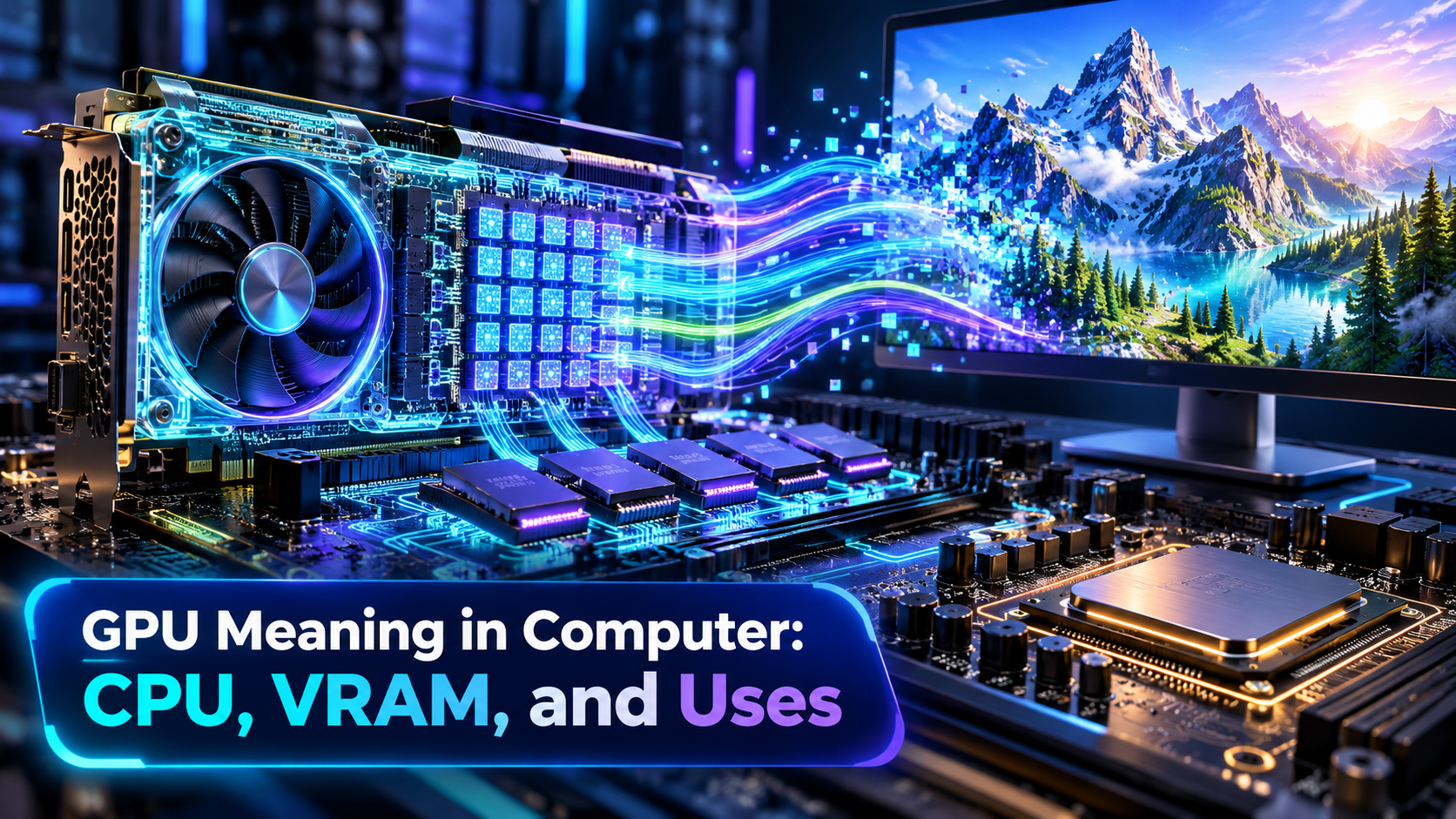
A GPU, or Graphics Processing Unit, is a processor designed to perform many similar mathematical operations in parallel, especially those needed to render images, video, and 3D scenes. Modern GPUs also accelerate artificial intelligence, machine learning, scientific simulation, video encoding, and other workloads that can be divided into thousands of smaller calculations.
Key Facts at a Glance
- GPU means Graphics Processing Unit.
- A GPU prioritizes parallel throughput, while a CPU prioritizes flexible, low-latency execution.
- An integrated GPU shares system memory; a discrete GPU normally has separate VRAM.
- GPUs render images through stages including vertex processing, rasterization, shading, and output.
- GPU performance depends on architecture, memory bandwidth, VRAM capacity, software support, power, and cooling.
- A powerful GPU cannot compensate for insufficient system RAM, a weak CPU, inadequate power delivery, or incompatible software.
What Does GPU Mean in a Computer?
GPU meaning in computer refers to a Graphics Processing Unit, a specialized processor that executes large numbers of related calculations simultaneously. The original purpose was drawing pixels and accelerating 2D and 3D graphics, but current GPUs also perform matrix operations for AI, video effects, engineering simulation, cryptocurrency calculations, and scientific research.
A GPU is not simply a second CPU with more cores. GPU cores are generally optimized for throughput rather than independent decision-making. They work especially well when the same operation must be applied to many vertices, pixels, matrix values, or video frames.
The word “graphics” remains in the name because display rendering created the market, not because every modern GPU produces monitor output. Data-center accelerators used for large language models may have no HDMI or DisplayPort connector. Their role is computation.
What Is a GPU Used For?
A GPU is used for graphics rendering, game acceleration, video processing, 3D modeling, AI inference, machine-learning training, and scientific computing. A web browser may use a GPU to composite page layers, while a game uses one to calculate lighting and textures for every frame.
Common uses include:
- Gaming: Rendering geometry, textures, shadows, reflections, and post-processing effects.
- Video editing: Accelerating color correction, transitions, decoding, encoding, and effects.
- 3D production: Displaying and rendering scenes in Blender, Autodesk Maya, and similar applications.
- AI: Executing matrix multiplication and tensor operations in frameworks such as PyTorch.
- Scientific work: Running parallel simulations in fields such as fluid dynamics and molecular modeling.
- Displays: Driving monitors, laptop panels, televisions, and virtual-reality headsets.
A GPU helps only when software can use its architecture. A spreadsheet with mostly serial calculations may gain little from a high-end graphics card.
How Does a GPU Render an Image?
A GPU renders an image by transforming scene data into vertices, converting geometry into fragments, shading those fragments, and writing completed pixels to a frame buffer. The CPU usually supplies scene logic and draw commands, while the GPU performs the repeated geometry and pixel calculations.
1. Application and Draw-Command Stage
The application and CPU calculate game logic, physics, animation state, camera position, and object visibility. The application then sends commands, commonly called draw calls, through a graphics API such as Direct3D, Vulkan, or OpenGL.
A draw call tells the GPU which resources and geometry to use. Excessive draw-call overhead can limit performance before the GPU reaches full utilization, especially when a game engine submits many small objects.
2. Vertex Processing
Vertex shaders transform three-dimensional vertex coordinates into positions suitable for the camera and display. They can also calculate information such as normals, texture coordinates, and skeletal animation results.
A model may contain thousands or millions of vertices. The GPU processes those independent records concurrently, although dependencies and later pipeline stages affect the final throughput.
3. Rasterization
Rasterization converts projected triangles into fragments that correspond to candidate screen locations. A 3D model is usually built from triangles because triangles provide a predictable shape for interpolation and hardware processing.
A fragment is not always a final visible pixel. Several fragments may compete for the same screen location because objects overlap. Depth testing determines which surface should appear in front.
4. Fragment and Pixel Shading
Fragment shaders calculate color using textures, material properties, light sources, shadows, normals, and camera position. The GPU repeats similar shader instructions across many fragments, which is why highly detailed scenes can consume substantial processing time.
Modern rendering may also use compute shaders for effects such as particle systems, lighting, physics approximations, and image reconstruction. Ray-tracing hardware can accelerate tests that determine where rays intersect scene geometry.
5. Output, Compositing, and Display
The GPU combines the resulting values into a frame buffer, applies operations such as blending and tone mapping, and sends the image through a display interface. HDMI and DisplayPort then carry the signal to a monitor.
At 60 Hz, a display presents a new frame approximately every 16.67 milliseconds. At 144 Hz, the interval falls to about 6.94 milliseconds. A GPU may render faster or slower than the display refresh rate, which affects latency, tearing, and frame pacing.
What Are the Main GPU Types?
The main GPU types are integrated GPUs, discrete GPUs, and data-center or professional accelerators. The defining differences are physical placement, memory arrangement, power budget, display capability, and intended workload.
| GPU type | Physical location | Memory arrangement | Typical power | Typical use |
|---|---|---|---|---|
| Integrated GPU | Same package or die as CPU | Shared system RAM | 5-45 W | Office work, streaming, light gaming |
| Discrete desktop GPU | Separate PCIe expansion card | Dedicated GDDR or GDDR6X VRAM | 75-450 W | Gaming, rendering, creator applications |
| Mobile discrete GPU | Laptop motherboard | Dedicated VRAM, sometimes shared dynamically | 35-175 W | Portable gaming and production |
| Data-center accelerator | Server module or PCIe card | High-bandwidth memory or dedicated VRAM | 150-700 W | AI training, inference, simulation |
| Professional workstation GPU | Separate workstation card | Dedicated error-managed or graphics memory | 75-350 W | CAD, visualization, certified applications |
Integrated GPUs
An integrated GPU shares system memory with the CPU rather than using a separate VRAM pool. Intel Iris Xe, Intel Arc integrated graphics, and AMD Radeon integrated graphics can handle web browsing, office applications, video playback, multiple displays, and some games at reduced settings.
Shared memory reduces cost and power consumption, but it creates a trade-off. A computer with 16 GB of RAM does not necessarily provide 16 GB to the integrated GPU because the operating system and applications also require memory.
Integrated graphics are often the sensible choice for office computers. They are less suitable for demanding ray-traced games, high-resolution 3D rendering, and large local AI models.
Discrete GPUs
A discrete GPU is a separate processor with its own memory, cooling system, and power requirements. Desktop cards commonly connect through PCI Express, with the motherboard slot supplying some power and additional connectors supplying the rest.
Dedicated VRAM gives the graphics processor fast local access to textures, frame buffers, model data, and compute workloads. A discrete GPU also usually provides more shader resources and higher sustained performance than an integrated design.
Data-Center and Professional GPUs
Data-center GPUs target throughput, reliability, virtualization, and software scale rather than monitor output. NVIDIA H100 and AMD Instinct MI300-class products illustrate the accelerator category, although exact configurations vary by product and server design.
These products may include high-bandwidth HBM, ECC memory, multi-GPU interconnects, and extensive software support. Their purchase and operating costs make them inappropriate for ordinary home gaming systems.
GPU Versus CPU: What Is the Difference?
A CPU is a flexible, low-latency processor for operating-system control, application logic, branching, and serial tasks. A GPU is a throughput-oriented processor that handles many related operations simultaneously, making it faster for suitable parallel workloads but less convenient for general system control.
| Characteristic | CPU | GPU |
|---|---|---|
| Main design goal | Low latency and flexibility | High parallel throughput |
| Typical core count | 4-24 general-purpose cores | Hundreds to thousands of arithmetic units |
| Best workload | Branch-heavy application logic | Repeated vector and matrix operations |
| Memory behavior | Large caches, low-latency access | High bandwidth, many concurrent requests |
| System role | Boots and coordinates the computer | Accelerates graphics and parallel computation |
| Common software | Operating systems, databases, browsers | Games, renderers, AI frameworks |
| Weakness | Lower throughput on identical parallel work | Poor fit for irregular serial decisions |
The “few professors versus many students” analogy is useful but incomplete. Modern CPUs also support vector instructions and modern GPUs contain scheduling, caching, and specialized control logic. Core counts cannot be compared directly between the two processor classes.
Can a GPU Replace a CPU?
A GPU cannot replace a CPU in a conventional computer because the CPU initializes the system, runs the operating system, manages diverse applications, and handles branching tasks that are inefficient on a graphics processor. A GPU can replace some CPU workload when software has a suitable parallel implementation.
A rendering application may use the CPU for scene management and the GPU for image generation. A machine-learning application may keep orchestration on the CPU while transferring large tensors to the GPU. The result is a heterogeneous system, not a choice in which one processor eliminates the other.
Which GPU Specifications Matter Most?
The most important GPU specifications are architecture, shader or compute resources, VRAM capacity, memory bandwidth, power consumption, software support, and display features. A larger number in one specification does not guarantee faster performance because workload, resolution, drivers, and thermal limits change the result.
| Specification | What it measures | Why it matters | Typical consequence |
|---|---|---|---|
| VRAM capacity | Local graphics memory | Holds textures, buffers, and model data | Insufficient capacity causes stutter or failure |
| Memory bandwidth | Data transferred per second | Feeds shaders and compute units | Higher bandwidth helps high-resolution workloads |
| Memory bus width | Parallel memory interface width | Contributes to bandwidth with memory speed | 256-bit is not automatically faster than 192-bit |
| Compute throughput | Arithmetic operations per second | Indicates parallel calculation capacity | Useful only with comparable architectures |
| Board power | Electrical and thermal demand | Determines PSU and cooling requirements | High-end cards may require 300-450 W |
| RT hardware | Ray-intersection acceleration | Improves ray-tracing workloads | Benefits vary by game and settings |
| AI or tensor hardware | Matrix-operation acceleration | Speeds up upscaling and neural networks | Requires supported software |
What Is VRAM?
VRAM is video random-access memory attached to or reserved for a GPU, where the processor stores textures, geometry buffers, rendered frames, shader resources, and sometimes AI model data. Dedicated VRAM is separate from ordinary system RAM, while integrated graphics borrow system memory.
VRAM capacity is a capacity limit, not a direct speed rating. A 16 GB card does not automatically render faster than an 8 GB card, but the larger card can retain higher-resolution textures or larger models without moving data through slower memory.
Typical practical targets are:
| Workload | Typical resolution or scale | Practical VRAM target |
|---|---|---|
| Office and 4K video playback | Dual displays, streaming | 1-4 GB shared or dedicated |
| 1080p gaming | High settings | 6-8 GB |
| 1440p gaming and editing | High settings, moderate effects | 8-12 GB |
| 4K gaming and serious 3D work | High textures, ray tracing | 12-24 GB |
| Local AI experimentation | Quantized small-to-medium models | 8-24 GB or more |
These are planning ranges, not universal requirements. A poorly optimized game can exceed them, while an efficient title can run below them.
What Do RT and Tensor Cores Do?
RT cores accelerate ray-tracing operations such as bounding-volume traversal and ray-triangle intersection. Tensor cores or similar matrix engines accelerate mathematical operations used by neural networks, image reconstruction, denoising, and AI inference.
Neither type of specialized unit improves every workload. A game using rasterization with no ray tracing may gain little from RT hardware, and a video editor using CPU-only effects may not use tensor hardware. Software support determines whether the silicon provides practical value.
How Much Does a GPU Cost?
A consumer GPU typically costs about $150-$300 at the budget level, $300-$600 in the mid-range, $600-$1,000 at the high end, and more than $1,000 for enthusiast products. Actual pricing changes with generation, supply, memory capacity, retailer margins, and regional taxes.
| Price tier | Typical price | Common target | Expected useful period |
|---|---|---|---|
| Budget | $150-$300 | 1080p gaming, displays, light creation | 2-3 years at changing settings |
| Mid-range | $300-$600 | 1440p gaming, editing, entry VR | 3-5 years |
| High-end | $600-$1,000 | High-refresh 1440p, 4K, rendering | 4-6 years |
| Enthusiast | $1,000-$2,000+ | High-end 4K, AI, professional rendering | 5-7+ years |
Used-market prices can be lower, but warranty status, mining wear, fan condition, and power connectors deserve inspection. A graphics card that costs less but requires a new power supply, case, or monitor may have a higher total system cost.
Which GPU Fits Each User?
A casual computer user normally needs integrated graphics, a gamer needs a discrete card matched to resolution, and an AI developer must prioritize VRAM and framework compatibility over gaming frame rates. The correct choice depends on the workload, display, case, power supply, and software ecosystem.
Casual User or Remote Worker
Integrated graphics are usually sufficient for web applications, documents, video calls, 4K streaming, and multiple office displays. The saved budget is often better spent on 32 GB of system RAM, a larger SSD, or a quieter computer.
Gamer
A gamer should choose the GPU after selecting resolution and refresh rate. A 1080p 60 Hz display does not justify the same card as a 4K 144 Hz monitor. NVIDIA commonly offers strong ray tracing and DLSS support, AMD often competes aggressively on raster performance and memory capacity, and Intel Arc can provide value where driver support fits the games.
Video Editor and 3D Creator
Creators should check application-specific benchmarks rather than assuming a brand winner. Adobe Premiere Pro, DaVinci Resolve, Blender, and Autodesk applications use different effects, codecs, renderers, and plug-ins.
Video decode and encode support can matter more than theoretical shader throughput. A card with AV1 hardware encoding may be more useful to a streaming creator than a slightly faster card that lacks the required codec workflow.
AI Developer
An AI developer should verify framework support, VRAM capacity, tensor performance, and software compatibility. NVIDIA CUDA remains widely supported in commercial and research tooling, while AMD ROCm and vendor-neutral approaches can work well but may involve narrower hardware and operating-system support.
The claim that NVIDIA is always mandatory is too broad. It is often the lowest-friction choice for PyTorch users, but model size, operating system, framework version, and deployment target determine the practical answer.
What Software Connects a GPU to Applications?
Graphics APIs and compute frameworks connect applications to GPU hardware. DirectX 12 and Vulkan support graphics on Windows and Linux, Metal supports Apple platforms, CUDA targets NVIDIA compute, and ROCm provides AMD-oriented compute tooling.
Drivers translate application commands into operations that a particular GPU architecture understands. A newer card with immature drivers may perform worse in a specific program than an older card with highly optimized support.
Operating-system support also matters. Laptop manufacturers may control graphics switching, workstation applications may require certified drivers, and virtualization can divide one physical accelerator among multiple users.
How Do You Install a Discrete GPU Safely?
Install a discrete GPU by checking compatibility, powering down, seating the card in the correct PCIe slot, connecting its power cables, and installing the appropriate driver. The process commonly takes 20-40 minutes, excluding troubleshooting.
- Check the case. Measure card length, height, thickness, radiator space, and front-fan clearance.
- Check the PSU. Confirm wattage, connector type, cable quality, and the manufacturer’s recommended capacity.
- Remove old drivers when changing vendors. Display Driver Uninstaller can help with difficult transitions, but download the new driver first.
- Insert the card. Use the top full-length PCIe slot when the motherboard manual identifies it as the primary slot.
- Connect power. Seat every required 6-pin, 8-pin, or modern high-power connector firmly.
- Connect the monitor to the GPU. Motherboard video outputs may remain inactive when a discrete card is installed.
- Install drivers and test. Check device recognition, temperatures, fan behavior, display resolution, and a representative workload.
A successful installation shows a recognized device in the operating system, stable display output, correct driver version, and sustained performance without crashes.
What Problems Can Affect GPU Performance?
GPU problems commonly arise from inadequate power, excessive temperature, driver conflicts, insufficient VRAM, incorrect display wiring, or a CPU limitation. Troubleshooting should begin with the simplest physical and software checks before replacing hardware.
Black Screen
Connect the monitor to the graphics card rather than the motherboard output, verify the input source, reseat the card, and check every power connector. Test another cable or display port if the system produces no signal.
Stuttering
Monitor GPU utilization, VRAM use, CPU utilization, frame time, and temperature. Stuttering with full VRAM often indicates memory pressure; stuttering with low GPU utilization and one saturated CPU core may indicate a CPU or engine bottleneck.
Thermal Throttling
Typical gaming temperatures vary by cooler and firmware, but sustained operation near a card’s thermal limit can reduce clock speed. Clean blocked filters, improve case airflow, verify fan operation, and avoid placing a large card against an obstructed panel.
CPU Bottlenecks
A high-end GPU paired with an old CPU can produce low GPU utilization, especially at 1080p and high refresh rates. Raising resolution may increase GPU usage, but it does not fix inadequate game-thread performance.
Power Failures
Random shutdowns, black screens under load, or connector heat can indicate insufficient or incorrectly connected power. Do not use damaged cables, loose adapters, or unapproved modular PSU cables.
Why a GPU Is Not Always the Best Upgrade
A GPU upgrade is not automatically the best performance investment. A system with 8 GB of RAM, a hard disk, poor airflow, or an aging CPU may need a platform upgrade before a faster graphics card can operate effectively.
The monitor also sets a practical ceiling. A card producing 200 frames per second has limited visible value on a 60 Hz display, although lower render latency can still matter in some games.
GPU specifications also age unevenly. Newer hardware may offer better ray tracing or AI acceleration while having less memory bandwidth, and older hardware may retain useful raster performance. Compare measured performance in the exact application rather than relying on product names.
FAQ
Does every computer have a GPU?
Every modern computer has some form of graphics processor, but not every computer has a separate graphics card. Desktop CPUs and laptop processors often include integrated graphics, while workstations and gaming PCs may add a discrete GPU with dedicated VRAM.
Is a graphics card the same as a GPU?
A graphics card is a complete expansion board containing a GPU, VRAM, voltage regulation, cooling hardware, firmware, and display connectors. The GPU is the processor itself. People often use the terms interchangeably, but a GPU can also be soldered into a laptop or integrated into a processor package.
Is more VRAM always better?
More VRAM helps when a workload exceeds the available memory, but it does not guarantee higher frame rates. Rendering architecture, memory bandwidth, shader performance, drivers, and game settings also determine results. A balanced 12 GB card can outperform a slower 16 GB card in many workloads.
Can integrated graphics run modern games?
Integrated graphics can run many modern games at reduced resolution and settings, particularly esports titles and well-optimized games. Newer integrated designs can share fast system memory, but demanding ray-traced games and high-resolution textures usually require a discrete GPU.
Why does my GPU usage stay below 100 percent?
Low GPU usage can result from a CPU bottleneck, frame-rate cap, vertical synchronization, slow asset streaming, insufficient power, thermal throttling, or a workload that does not parallelize well. Check CPU thread usage, frame time, temperatures, power limits, and application settings together.
Does a GPU improve internet speed?
A GPU does not increase internet bandwidth. It can accelerate browser rendering, video decoding, and some visual effects, but network speed remains governed by the connection, router, modem, server, and network conditions.
The Bottom Line
GPU meaning in computer is Graphics Processing Unit, a processor built to execute many related calculations in parallel. A GPU renders graphics and accelerates AI, video, and scientific workloads, while the CPU remains responsible for general system control and irregular logic. Choose integrated graphics for ordinary computing, a discrete GPU for demanding visual work, and a data-center accelerator only when software, memory, and workload scale justify it.