
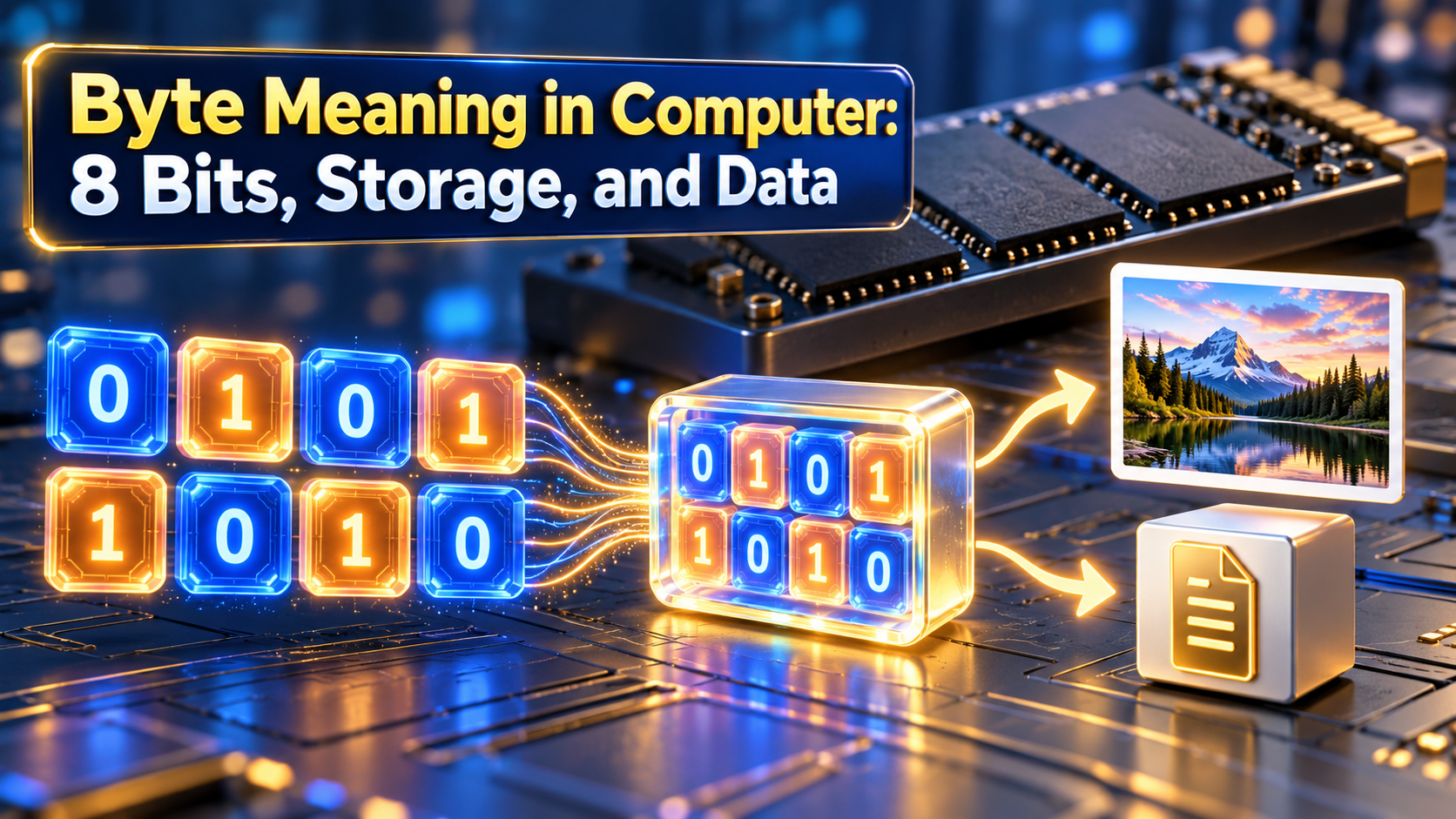
A byte is a standard unit of digital information, usually made of 8 bits. One byte can represent an unsigned number from 0 through 255, an ASCII character such as A, or one small portion of a larger value, file, instruction, or memory address. Modern computers use bytes to organize memory, storage, data transmission, and software structures.
Key Facts at a Glance
- A byte normally contains 8 bits, and each bit has a value of 0 or 1.
- An 8-bit byte has 256 possible patterns, ranging from binary
00000000to11111111. - One byte represents 0-255 as an unsigned integer, but its meaning depends on the data type and encoding.
- ASCII stores common English characters in 1 byte, while UTF-8 uses 1-4 bytes for a Unicode character.
- Storage manufacturers use decimal units, such as 1 TB = 1,000,000,000,000 bytes.
- Network speeds use bits per second, while files and storage generally use bytes, so 100 Mbps equals 12.5 MB/s before overhead.
What Is a Byte in a Computer?
A byte is the smallest commonly addressable unit of computer memory and consists of 8 binary digits, or bits, on nearly all modern systems. A byte can hold a number, text code, part of an image, machine instructions, or any other data represented in binary.
The byte is a container, not a meaning by itself. The pattern 01000001 represents decimal 65, hexadecimal 41, uppercase A under ASCII, and a different value if software interprets it as part of another encoding. The surrounding data type and format determine the interpretation.
The term byte originally described a small group of bits used by a particular computer architecture. Modern standards overwhelmingly use an 8-bit byte, although historical computers used byte sizes such as 6 or 9 bits. The related term octet always means exactly 8 bits, which makes it useful in networking standards.
Why Is a Byte Made of 8 Bits?
An 8-bit byte provides (2^8 = 256) distinct patterns because each of the eight positions has two possible states. Those patterns represent unsigned values from 0 to 255, although software can assign other meanings to the same patterns.
For example:
Binary:      01000001
Decimal:     65
Hexadecimal: 41
ASCII:       A
The leftmost bit represents 128, followed by 64, 32, 16, 8, 4, 2, and 1. In 01000001, the active positions are 64 and 1, so the decimal result is 65.
How Does a Byte Work?
A byte works by grouping eight binary states into a unit that processors, memory systems, file formats, and programming languages can manipulate. The states may be represented physically by electrical charge, transistor voltage, magnetic orientation, or a flash-memory cell state, depending on the technology.
The logical byte remains stable even when the physical implementation changes. RAM stores bits through electrical circuitry, SSDs store data in NAND flash cells, and hard drives use magnetic regions. None of these devices contains a tiny physical object labeled “byte”; controllers translate physical states into logical byte addresses and values.
From a Keyboard Press to Stored Data
Typing uppercase A demonstrates how a byte connects an input device, encoding standard, memory, and storage:
- A keyboard controller detects the key event.
- Operating-system software identifies the character as uppercase
A. - ASCII assigns
Athe decimal code 65. - Decimal 65 becomes binary
01000001. - RAM holds that byte while the program uses the text.
- A file format writes the byte, possibly along with metadata, to permanent storage.
The sequence is not always exactly one byte. Modern applications often use Unicode and UTF-8, and the file may contain formatting, line endings, headers, or compression. A plain ASCII A occupies one byte in UTF-8, but the complete document occupies far more.
Is a Byte the Same as a Memory Address?
A byte is a data unit, while a memory address identifies a location. On a byte-addressable computer, each address points to one byte, so an address such as 0x1000 identifies the location of one 8-bit unit.
A memory address does not contain the byte itself. It tells the CPU or memory controller where to read or write data. Some hardware operations access 2, 4, 8, or 16 bytes at once, but the underlying addressable unit usually remains one byte.
How Many Values Can One Byte Hold?
One byte holds 256 distinct patterns. As an unsigned integer, those patterns represent 0-255; as a signed two’s-complement integer, they represent -128 through 127.
| Interpretation | Bit width | Minimum | Maximum | Example |
|---|---|---|---|---|
| Unsigned integer | 8 bits | 0 | 255 | Pixel color channel |
| Signed integer | 8 bits | -128 | 127 | Small temperature offset |
| ASCII code | 7 meaningful bits | 0 | 127 | A = 65 |
| Hexadecimal pair | 8 bits | 00 |
FF |
41 = A in ASCII |
| Boolean storage | Usually 8 bits | False | True | Language-dependent |
A programming language may use a byte for a character, integer, Boolean, or raw memory value. The physical pattern does not change when the interpretation changes. Only the rules applied by software change.
What Happens at 255?
An unsigned 8-bit value cannot represent 256. If software adds 1 to 255 without checking the boundary, the result may wrap to 0, trigger an exception, or produce undefined behavior depending on the language and operation.
This is an expert-level distinction: a byte’s storage width does not guarantee arithmetic behavior. C and C++ can produce different results for signed overflow than Python, Java, or Rust, so developers must check the language specification rather than assume universal wraparound.
What Is the Difference Between a Bit and a Byte?
A bit is one binary digit, while a byte is usually eight bits grouped together. Lowercase b denotes bits and uppercase B denotes bytes, so 100 Mbps means 100 megabits per second, whereas 100 MB/s means 100 megabytes per second.
| Attribute | Bit | Byte |
|---|---|---|
| Symbol | b |
B |
| Size | 1 binary digit | 8 bits |
| Values | 0 or 1 | 256 possible patterns |
| Common measurement | Internet bandwidth | File size and memory |
| Example | 100 Mbps | 12.5 MB/s theoretical equivalent |
| Conversion | 8 bits = 1 byte | 1 byte = 8 bits |
To convert a bit rate to a byte rate, divide by 8. A 100 Mbps internet connection has a theoretical maximum of 12.5 MB/s, but protocol headers, Wi-Fi conditions, congestion, server limits, and signal quality reduce the actual result.
The International System of Units uses lowercase b for bit and uppercase B for byte. Case errors create practical mistakes, especially when comparing an internet plan with a browser download indicator.
How Are Characters Stored in Bytes?
Character encoding maps symbols to numeric values, which software then stores as bytes. ASCII uses 7 bits for 128 characters, while UTF-8 encodes Unicode characters using 1-4 bytes according to the character.
| Character or symbol | Encoding | Byte sequence | Bytes used |
|---|---|---|---|
A |
ASCII or UTF-8 | 41 |
1 |
é |
UTF-8 | C3 A9 |
2 |
中 |
UTF-8 | E4 B8 AD |
3 |
🙂 |
UTF-8 | F0 9F 99 82 |
4 |
A |
UTF-16 | 0041 |
2, typically |
ASCII is contained within UTF-8, so standard English letters, numbers, and punctuation retain their one-byte representations. Unicode does not mean every character occupies 2 bytes or 4 bytes. UTF-8 is variable-width, which saves space for English text but uses more bytes for many other scripts and emoji.
A visible character and a byte are not equivalent. The string café contains four visible characters but uses five UTF-8 bytes because é occupies two bytes. A grapheme such as a family emoji can contain several Unicode code points and require many more bytes.
What Are KB, MB, GB, and Their Binary Alternatives?
Decimal storage units use powers of 10, while binary units use powers of 2. A kilobyte is commonly treated as 1,000 bytes by SI conventions, whereas a kibibyte is exactly 1,024 bytes.
| Unit | Decimal value | Binary counterpart | Binary value | Typical context |
|---|---|---|---|---|
| KB | 1,000 bytes | KiB | 1,024 bytes | Small text or configuration file |
| MB | 1,000,000 bytes | MiB | 1,048,576 bytes | Compressed photo or song |
| GB | 1,000,000,000 bytes | GiB | 1,073,741,824 bytes | Application or video |
| TB | 1,000,000,000,000 bytes | TiB | 1,099,511,627,776 bytes | SSD or hard-drive capacity |
| PB | 1,000,000,000,000,000 bytes | PiB | 1,125,899,906,842,624 bytes | Enterprise data center |
Drive manufacturers such as Seagate and Western Digital label capacity in decimal bytes, following SI-style usage. Operating systems may display the same byte count using binary calculations while labeling it GB, which creates an apparent discrepancy.
A decimal 1 TB drive contains exactly 1,000,000,000,000 bytes. Dividing by (1,073,741,824) gives approximately 931.3 GiB. The drive has not lost capacity; the labels use different unit systems. Filesystem metadata and recovery partitions can reduce usable space further.
How Do Data Types Use Multiple Bytes?
Programming data types combine bytes to represent values larger than 0-255, fractions, addresses, text, or structured records. The exact size depends on the language, compiler, platform, and data model, so a type name alone does not always guarantee a byte count.
| Data type | Typical size | Common range or precision | Common use |
|---|---|---|---|
uint8 |
1 byte | 0-255 | Pixel channel or raw data |
int16 |
2 bytes | -32,768 to 32,767 | Sensor measurement |
uint32 |
4 bytes | 0-4,294,967,295 | File offset or identifier |
int64 |
8 bytes | Approximately -9.22 quintillion to 9.22 quintillion | Timestamp or database key |
IEEE 754 float |
4 bytes | About 7 decimal digits | Graphics or measurements |
IEEE 754 double |
8 bytes | About 15-17 decimal digits | Scientific calculation |
A 32-bit unsigned integer uses four bytes and has (2^{32}), or 4,294,967,296, possible values. A signed 64-bit integer uses eight bytes, but one bit represents the sign, so its positive range is smaller than the full unsigned range.
Floating-point values use a sign, exponent, and fraction rather than storing every decimal digit directly. An 8-byte double can represent very large or very small magnitudes, but it cannot represent every decimal amount exactly. Financial software commonly uses decimal arithmetic or integer minor units to avoid binary floating-point rounding errors.
Structure alignment can increase memory use. A record containing a 1-byte flag and an 8-byte integer may occupy 16 bytes rather than 9 because the compiler inserts padding so the integer begins at an efficient address boundary.
Where Are Bytes Used?
Bytes appear in RAM, storage, network packets, executable programs, images, databases, and compressed archives. A byte can represent content, metadata, a checksum, an instruction operand, or a portion of an encrypted stream.
Bytes in RAM
A computer with 16 GB of RAM has roughly 16 billion addressable bytes under decimal interpretation, although manufacturers and operating systems may describe the capacity differently. Programs consume bytes for code, stacks, heaps, caches, graphics buffers, and operating-system services.
More RAM does not automatically make a processor faster. RAM capacity determines how much active data can remain available before the operating system uses slower storage as virtual memory.
Bytes in Files and Storage
A file is an ordered sequence of bytes plus filesystem metadata. A JPEG image, ZIP archive, executable, and text document all use bytes, but each format defines different rules for interpreting those sequences.
Compression changes the number of bytes needed to store data. Encryption changes the byte values and may add padding, initialization data, or authentication tags. A 10 MB uncompressed text file can become far smaller after compression, while an already compressed JPEG may shrink only slightly.
Bytes in Network Communication
Network protocols transmit sequences of bytes inside frames and packets. A packet includes payload data plus headers, so the number of bytes transferred over a network can exceed the file size visible to the user.
Transmission speed also depends on the link layer. Ethernet, Wi-Fi, TCP, TLS, and application protocols add overhead, which explains why a 1 GB download rarely completes in exactly the time predicted by dividing 1 GB by the advertised connection speed.
Which Storage Device Handles Bytes Best?
HDDs, SATA SSDs, and NVMe SSDs all store user data as bytes, but they differ in latency, throughput, moving parts, and endurance. NVMe SSDs usually provide the lowest access latency and highest throughput, while HDDs provide inexpensive high-capacity storage.
| Device type | Typical sequential speed | Typical capacity range | Mechanical parts | Best fit |
|---|---|---|---|---|
| 7200 RPM HDD | 100-250 MB/s | 2-24 TB | Yes | Backup and bulk media |
| SATA SSD | 450-560 MB/s | 500 GB-4 TB | No | General desktop storage |
| PCIe 3 NVMe SSD | 2,000-3,500 MB/s | 500 GB-4 TB | No | Older high-performance PCs |
| PCIe 4 NVMe SSD | 5,000-7,400 MB/s | 1-4 TB | No | Modern applications and games |
| PCIe 5 NVMe SSD | 10,000-14,000 MB/s | 1-4 TB | No | Specialized high-throughput work |
These figures are typical consumer ranges, not guaranteed results. Sustained write speed can fall when an SSD exhausts its cache, and a PCIe 4 drive installed in a PCIe 3 slot is limited by the older interface.
Storage speed is measured in bytes per second, but capacity and endurance are separate attributes. An SSD rated for 600 TBW can accept a manufacturer-defined total written amount before its endurance rating is reached; TBW is not a speed measurement and does not predict an exact failure date.
How Do You Convert Bytes and Diagnose Byte Problems?
Byte conversions require checking both the unit prefix and the uppercase or lowercase symbol. Troubleshooting requires identifying whether the problem involves encoding, measurement, filesystem limits, memory interpretation, or physical hardware.
Use this sequence:
- Check the symbol. Convert
btoBby dividing by 8, and convertBtobby multiplying by 8. - Check the prefix. Determine whether MB means 1,000,000 bytes or whether the software actually means MiB.
- Inspect the raw data. A hex editor such as HxD displays each byte as two hexadecimal digits from
00throughFF. - Check text encoding. Decode the file as UTF-8, UTF-16, or another declared format instead of guessing from visible characters.
- Check the filesystem. FAT32 limits a single file to 4 GiB minus 1 byte, approximately 4,294,967,295 bytes. NTFS and exFAT support much larger files.
- Check boundaries in code. Confirm signedness, integer width, overflow behavior, alignment, and endianness.
Endianness determines the order of bytes in a multi-byte value. The four bytes 01 02 03 04 represent 0x01020304 in big-endian order but 0x04030201 in little-endian order. Endianness changes interpretation, not the number of bytes stored.
Common Misunderstandings About Bytes
A byte is not always one character, one pixel, or one unit of physical storage. Those assumptions fail in predictable situations.
- One character equals one byte: True for ASCII characters in ASCII or UTF-8, false for many Unicode characters.
- One byte always means 0-255: True only for unsigned interpretation; signed and application-specific interpretations differ.
- A 1 TB drive should display 1 TB: Decimal manufacturer capacity may display as about 931 GiB before formatting overhead.
- 100 Mbps downloads at 100 MB/s: The theoretical conversion is 12.5 MB/s, before network overhead.
- A byte is physically one group of eight switches: Logical bytes are mapped onto different physical technologies and controller layouts.
- More bytes always improve performance: Excess memory capacity does not fix a CPU bottleneck, storage latency, poor code, or network congestion.
A practical rule follows: identify the data representation before interpreting the value. The same eight bits can be a number, character, color channel, instruction field, or encrypted ciphertext.
FAQ
Is a byte always 8 bits?
A byte is 8 bits on virtually all modern general-purpose computers, phones, servers, and networking equipment. Historical systems used other byte widths, while the term octet specifically guarantees 8 bits. Portable software should use a language’s defined-width types when exact representation matters.
How many bytes are in a kilobyte?
Under decimal SI notation, 1 kilobyte is 1,000 bytes. Under older computing usage, “kilobyte” may refer to 1,024 bytes, although the technically precise binary term is kibibyte, or KiB. Check the software or hardware documentation before comparing values.
Is a byte bigger than a bit?
Yes. One byte contains eight bits, so a byte can represent 256 patterns while one bit can represent only two states. Uppercase B means bytes and lowercase b means bits, which is why MB/s and Mbps describe different rates.
How many bytes does an emoji use?
A common emoji requires 4 bytes in UTF-8, but a visible emoji sequence can contain multiple Unicode code points and use more than 4 bytes. Skin-tone modifiers, gender selectors, regional indicators, and joined family sequences can increase the total.
What is a byte in programming?
A byte is usually an 8-bit storage unit used for raw memory, character data, small integers, binary files, and network buffers. Programming languages differ in whether a type named byte is signed, unsigned, character-oriented, or simply an alias for an 8-bit integer.
Why does a 1 TB drive show about 931 GB?
A manufacturer’s 1 TB means 1,000,000,000,000 bytes. Dividing that value by 1,073,741,824 bytes per GiB produces approximately 931.3 GiB, and operating systems may label the binary result as GB. Formatting and system partitions can reduce the displayed usable capacity further.
The Bottom Line
The byte meaning in computer systems is a standard 8-bit unit used to organize digital information. One byte has 256 possible patterns, but its practical meaning depends on encoding, data type, file format, byte order, and measurement convention. Remember the core rules: 8 bits equal 1 byte, uppercase B means bytes, UTF-8 characters can use 1-4 bytes, and decimal storage units differ from binary operating-system units.